






On this page
Shopify handles a lot of SEO for you: it creates your sitemap, sets canonical tags and gives every page an editable title. But it also creates problems most store owners never notice, from duplicate product URLs to apps that slow every page. This Shopify SEO checklist covers both.
Work through the 40 checks below with the interactive checklist. Your ticks are saved in your browser, so you can come back to it. Each section then explains what to fix and how.
- Collection pages are usually your best ranking pages. Give each one a keyword and real text.
- Make sure your theme links to /products/ URLs to avoid duplicate URLs.
- Write your own product descriptions. Manufacturer copy appears on hundreds of other stores.
- Uninstalled apps can leave code behind that slows every page.
- Connect Google Merchant Center for free product listings in Google.
The interactive Shopify SEO checklist (40 checks)
Shopify SEO checklist 2026-27
40 checks in 6 sections. Your ticks are saved in this browser.
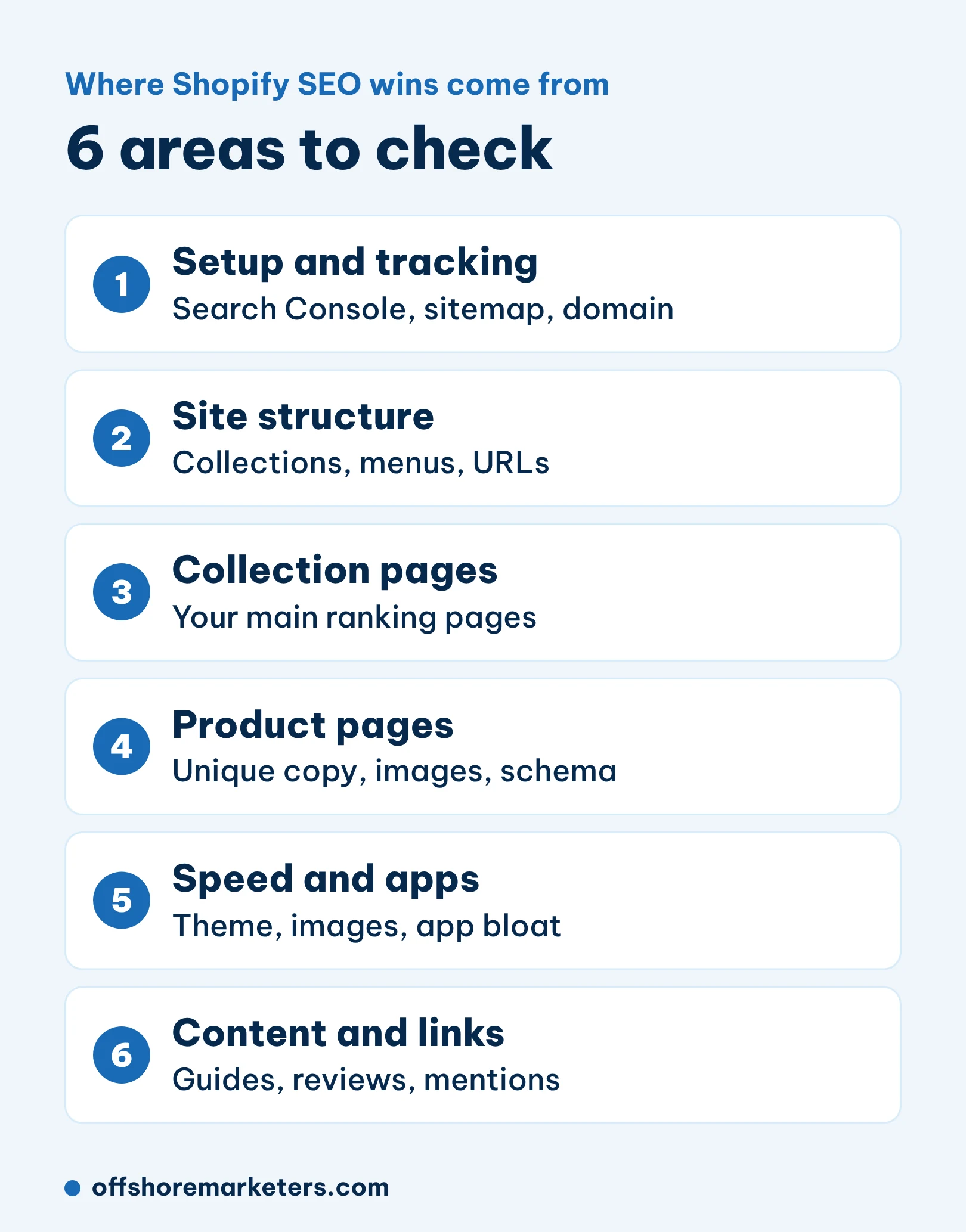
1. Setup and tracking0 / 6
2. Site structure0 / 7
3. Collection pages0 / 6
4. Product pages0 / 7
5. Speed and apps0 / 7
6. Content, links and AI search0 / 7
1. Setup and tracking
Start by making sure Google can see your store and you can measure results. Verify your domain in Search Console and submit your sitemap. Shopify creates it automatically at yourstore.com/sitemap.xml, as Shopify’s SEO help pages explain.
Check that the password page is off once you launch. A locked store cannot be crawled. Set up GA4 with ecommerce events so you can see organic revenue, not just visits.
2. Site structure
A clear structure helps buyers and Google find your products. Keep your top collections one click from the home page, and make sure every product belongs to at least one collection.
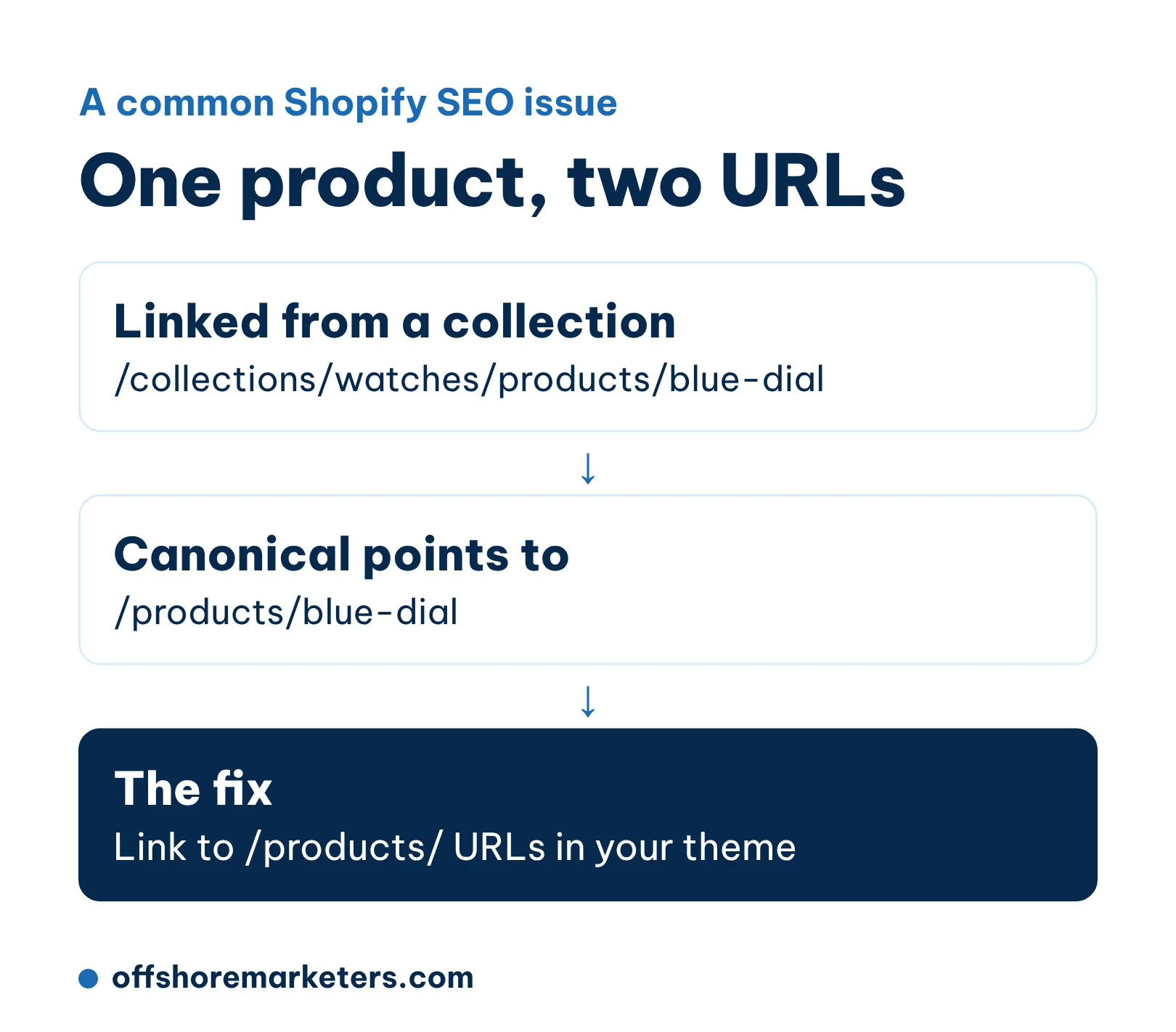
One Shopify quirk is worth checking. Many themes link to products through collection URLs, such as /collections/watches/products/blue-dial. Shopify adds a canonical tag pointing to /products/blue-dial, so Google usually picks the right one. Still, linking straight to the /products/ URL in your theme avoids wasted crawling and mixed signals. A developer can usually change this in a few minutes.
3. Collection pages
For most stores, collection pages are the most valuable SEO pages. They match broad searches like “women’s running shoes” or “leather wallets”, while product pages match narrow ones.
- Give each collection one main keyword and use it in the title, H1 and meta description.
- Add a short intro of 1 to 2 sentences above the products, and more helpful text below: how to choose, sizing, materials.
- Link related collections to each other.
- Watch out for filter and sort URLs creating thousands of near-duplicate pages.
If you have many collections, start with the ones closest to page 1 in Search Console. Our e-commerce keyword research guide shows how to pick the right keyword for each one.
4. Product pages
Product pages need to convince buyers and give Google something unique to rank.
- Write your own descriptions. Manufacturer text is copied across many stores, so Google has little reason to rank yours.
- Use the words buyers search. “Men’s waterproof hiking boots” beats a model name alone.
- Add alt text to every image. Describe the product, colour and angle.
- Show reviews. They add fresh, unique text and help sales.
- Keep out-of-stock products live if they are coming back, with a note or alternatives.
Most Shopify themes add Product schema automatically. Test a few product URLs in Google’s Rich Results Test to confirm price, availability and reviews show correctly.
5. Speed and apps
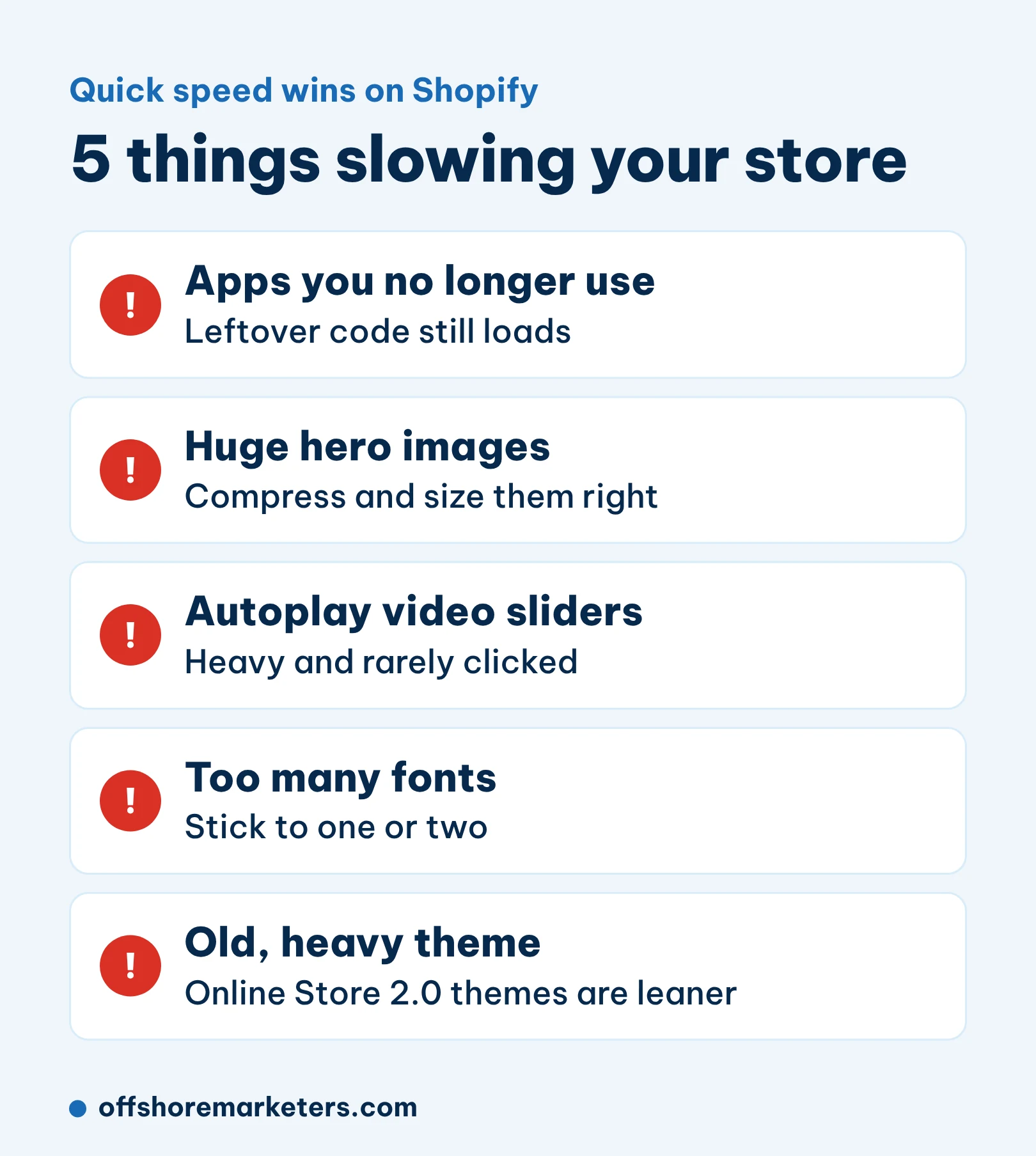
Speed affects both rankings and sales. Aim for Google’s Core Web Vitals targets: LCP of 2.5 seconds or less and INP of 200 milliseconds or less, measured on real mobile users.
Apps are the most common cause of slow Shopify stores. Each app can add scripts to every page, and some leave code behind after you uninstall them. Review your apps every quarter, remove the ones you do not use and check your theme for leftover snippets. Then compress large images and avoid autoplay video on the home page. Our page speed guide covers more fixes.
6. Content, links and AI search
Good collection and product pages win most product searches. To win the questions buyers ask before they are ready to buy, add guides: “how to choose a mattress”, “what size bike do I need”. Link each guide to the matching collections.
Connect Google Merchant Center so your products can appear in free listings across Google Shopping and Search. Then work on mentions: gift guides, review sites and press coverage help both Google rankings and AI tools. We cover the AI side in our guide on how to rank in ChatGPT.
A real example from our own e-commerce work: a UK watch store lost 22% of its sales after a site update. Rewriting the meta descriptions on more than 1,000 product and collection pages and fixing on-page targeting brought sales back above the old level within two months.
How often to run this checklist
- Every quarter: speed, apps, Search Console errors and top collections.
- After every theme change or new app: speed and structure.
- Once a year: the full checklist.
For a deeper guide to the platform, read our complete Shopify SEO guide.



.png)


.png)
.png)
.png)
.png)

.png)
