
Top Online Reputation Management Tools to protect your brand
September 9, 2025
Introduction
In over two decades of marketing, I’ve seen brands climb to new heights on the back of glowing online reviews—and others crumble overnight from a single viral fiasco.
These days, nearly 90% of consumers read online reviews before making a purchase, and around 4 out of 5 shoppers trust those reviews as much as personal recommendations. Just one angry tweet or a one-star review can send loyal customers running.
In fact, a recent study found that 42% of consumers would avoid a business for up to a year after reading a negative review. This means your hard-earned reputation can hinge on what people find online.
This is where online reputation management (ORM) comes in. A great online reputation management strategy – supported by the right tools – helps you stay on top of your brand’s image across the web.
Instead of leaving your reputation to chance, you can actively monitor what’s being said, respond to feedback, and foster more positive sentiment.
In this comprehensive guide, we’ll dive into the best online reputation management tools available today. You’ll learn what each tool offers, how they can help safeguard your brand’s online image, and how to choose the ones that fit your needs.
Let’s get started on turning customer conversations into opportunities and ensuring your brand puts its best foot forward online.
Why Managing Your Online Reputation Is Crucial
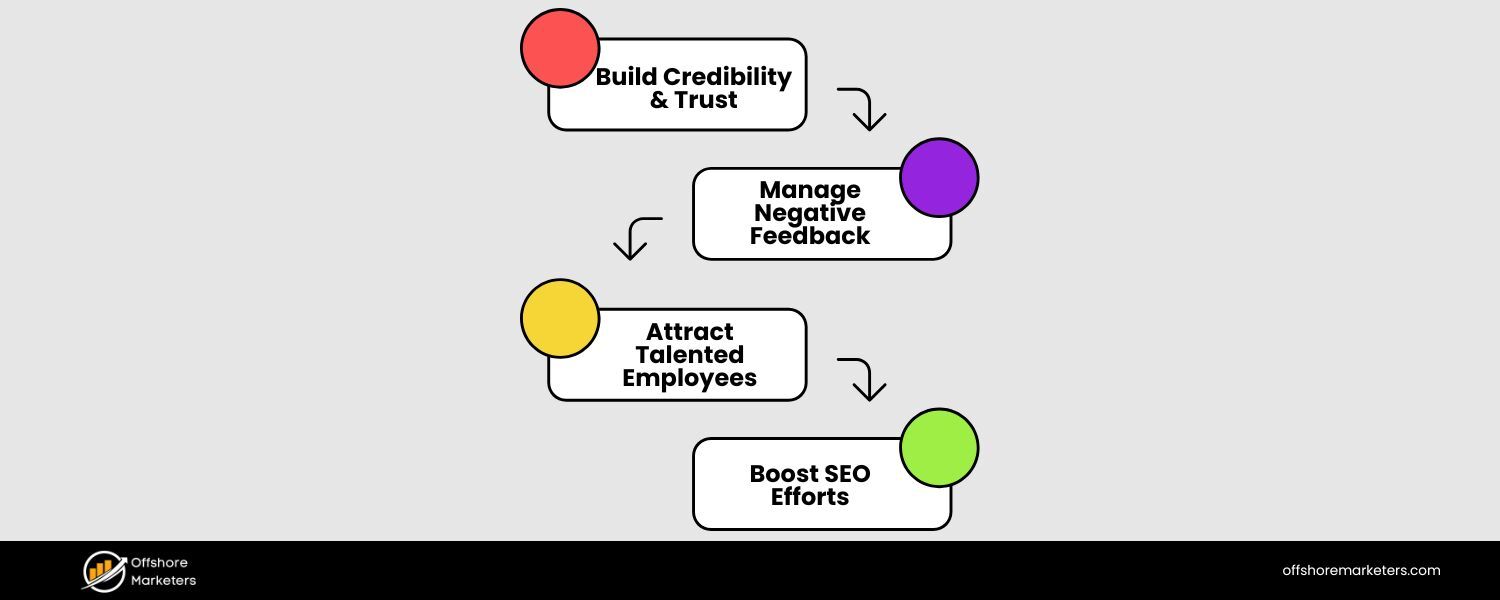
Maintaining a positive online reputation isn’t just about pride – it directly impacts your trust, credibility, and revenue. Consider a high-profile example: when a major airline mishandled an incident that went viral, it reportedly lost over a billion dollars in market value within days because of public outrage.
Clearly, what customers say online has real business consequences. Here are a few key reasons reputation management deserves your attention:
1. First Impressions Happen Online
Whether it’s Google search results or social media chatter, people’s first impressions of your brand often form before you ever meet them.
A string of bad reviews or negative news articles can turn away potential customers before you even know they were interested. On the flip side, a page full of five-star reviews and success stories can attract new business like a magnet.
2. Customer Trust and Buying Decisions
Surveys consistently show that most consumers trust online reviews almost as much as personal recommendations from friends. A collection of positive reviews builds trust and social proof, making others more comfortable doing business with you.
Conversely, unanswered complaints or poor ratings can erode credibility. If someone sees recent customers voicing issues with your product or service, they’re likely to think twice about choosing you.
3. Impact on Search and Visibility
Your online reputation also affects your SEO and visibility. Reviews and ratings on platforms like Google and Yelp influence local search rankings. Mentions of your brand across the web contribute to how you show up in search engine results.
A well-managed reputation, with active engagement and fresh positive content, can improve your search ranking and make sure the best of your brand is what people see first.
4. Crisis Prevention
No company is perfect – mistakes and bad experiences happen. The key is how quickly and effectively you respond. Monitoring tools can alert you to spikes in negative mentions or emerging issues in real time.
By catching small problems early (an upset customer or a misleading blog post), you can address them before they explode into full-blown crises. Proactive reputation management is essentially risk management for your brand’s good name.
In short, managing your online reputation means taking control of the narrative. Rather than letting a few negative voices or an unfortunate incident define you, you actively shape public perception through prompt engagement and strategic communication.
It’s about amplifying the positive, rectifying the negative, and showing that you genuinely care about your customers’ experiences. And to do all this effectively at scale, businesses rely on specialized tools.
Before we explore the top tools, let’s look at what features and capabilities you should expect from a great reputation management solution.
Key Features to Look For in Reputation Management Tools
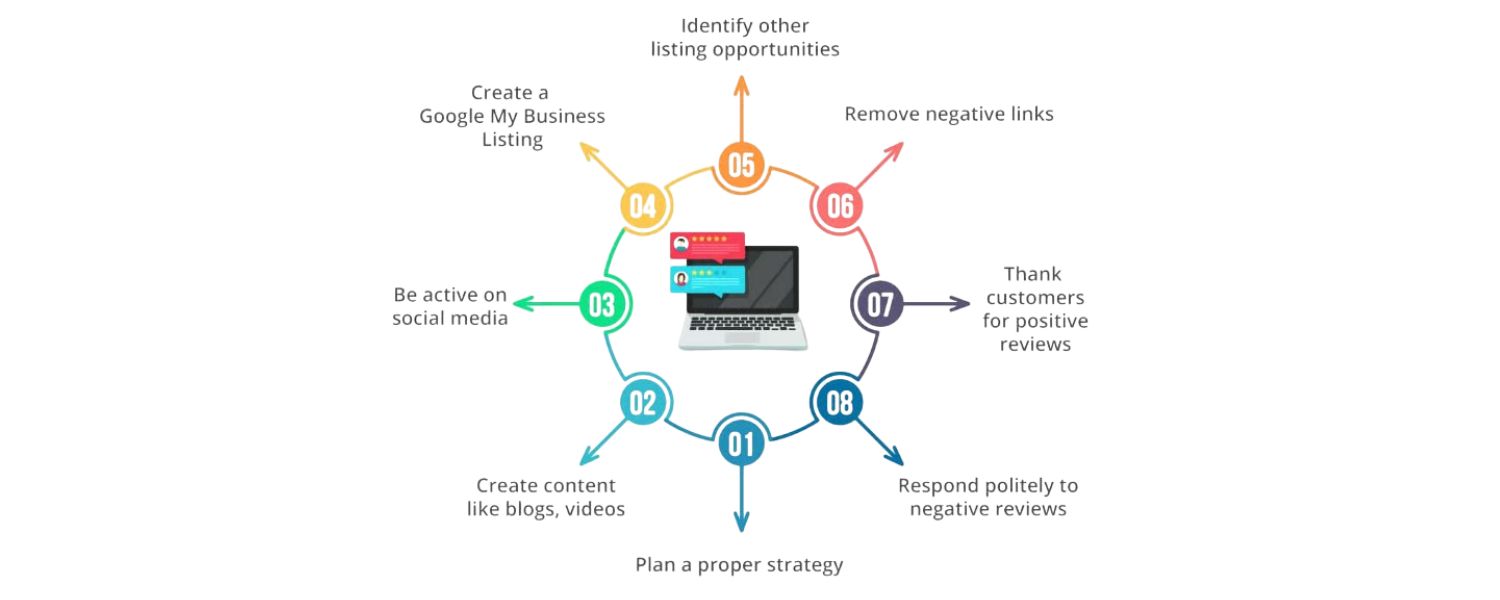
Not all reputation management tools are the same. Some focus on social media listening, others excel at review collection, and a few offer all-in-one capabilities.
As a savvy marketer or business owner, you’ll want to choose tools that align with your goals and cover the channels important to you. Here are the essential features and functions to look for when evaluating online reputation management software:
1. Multi-Channel Monitoring
The tool should track your brand mentions across all major channels – social media platforms (Facebook, X/Twitter, Instagram, LinkedIn, etc.), online news sites, blogs, forums, and review websites like Google, Yelp, TripAdvisor, and industry-specific review sites.
Comprehensive monitoring ensures you catch every conversation about your brand, wherever it happens online.
2. Real-Time Alerts and Notifications
Speed matters in reputation management. Good tools provide instant or timely alerts whenever your brand is mentioned or when a new review is posted – especially if it’s negative or from a high-profile source.
Real-time notifications let you jump on emerging issues and respond before they escalate. For example, if a viral post criticizing your company starts gaining traction, you’ll want to know immediately.
3. Sentiment Analysis
Manually gauging whether hundreds of comments are positive, neutral, or negative can be overwhelming. Many top tools use artificial intelligence (AI) and natural language processing to perform sentiment analysis.
This feature automatically analyzes the tone of mentions and reviews to tell you if public sentiment is trending up or down. Sentiment analysis helps you measure brand health at a glance and spot changes – for instance, if a marketing campaign is drawing praise or backlash.
4. Centralized Review Management
If your business gets reviews on multiple sites (Google, Facebook, Yelp, industry sites, etc.), look for tools that aggregate reviews into one dashboard. A centralized review management feature lets you read and respond to feedback from one place, instead of juggling dozens of logins.
You can typically respond to reviews directly through the platform, which saves time and ensures no customer feedback slips through the cracks.
5. Response and Engagement Tools
Beyond just monitoring, effective reputation platforms help you take action. This includes the ability to reply to comments and reviews, either manually or with suggested templates.
Some advanced systems even use AI-driven response suggestions – for example, providing a draft reply to a review in your brand’s tone, which you can then tweak and send.
Quick, thoughtful responses show the public that you listen and care, turning potentially negative situations into chances to demonstrate great customer service.
6. Social Listening & Analytics
Social media moves fast, and it’s a goldmine of customer opinions. Social listening features go beyond direct mentions of your @handle – they allow you to track keywords, hashtags, and even competitors’ brand names to see the broader conversation.
The tool should present analytics like mention volume over time, top trending topics related to your brand, and key influencers driving the conversations. These insights can guide your PR and marketing strategies.
For instance, if sentiment around a new product launch is dipping, analytics might reveal which aspect customers dislike, so you can address it.
7. Competitive Benchmarking
Context matters. It’s useful to have tools that not only show your reputation metrics, but also allow comparing them with competitors. Some reputation management platforms include benchmarking reports or “share of voice” analysis – essentially measuring how your brand’s presence and sentiment stack up against others in your industry.
If your competitor is getting significantly higher positive mentions, you’d want to know why. Likewise, seeing where you outperform others can validate that your strategy is working.
8. Reporting and Insights
Data is only valuable if you can interpret it. Good ORM tools offer customizable reports that distill the data into meaningful insights. You should be able to generate reports on review trends, sentiment trends, response times, and overall reputation score (if the tool provides one).
For example, a monthly reputation report might show that your average star rating increased after implementing a new customer service initiative. These reports are handy for internal teams and executives to measure the impact of reputation management efforts over time.
9. Collaboration and Workflow
If you have a team handling communications, look for features like multi-user access, assignment, and collaboration tools. A collaborative workspace means team members can share notes, assign who will reply to which comment, and ensure responses align with brand messaging.
Integration with project management or customer support systems is a plus for streamlining workflow. Essentially, the tool should fit into your operation without causing silos or confusion.
10. Scalability and Integrations
As your business grows, your reputation management needs will grow too. The right tool should scale with you – whether that means monitoring more locations, additional products, or a surge in online chatter.
Also, check what other software it plays nicely with. The best tools integrate with your CRM, marketing platforms, or Google Business Profile so that data flows smoothly.
For instance, integration with Google’s APIs would allow you to manage your Google reviews and Q&A directly. Similarly, integration with an email marketing tool could trigger an email request for a review after a purchase (helping you gather more positive reviews proactively).
11. Additional Perks
Different tools have their specialties. Some offer survey and feedback forms to get direct customer input (useful for improving satisfaction before issues spill into public reviews). Others focus on business listing management – ensuring your name, address, phone, and other information are consistent across the web, which influences both customer experience and local SEO.
A few cutting-edge platforms even monitor for things like logo appearances in images or videos, helping you catch brand mentions that aren’t in text form. Consider any special features that might be valuable for your specific reputation challenges.
In summary, an ideal reputation management tool acts as an extra pair of eyes (and hands) on the internet, constantly watching over your brand and helping you respond effectively.
Now that you know what to look for, let’s explore the top online reputation management tools available today. Each of the tools below has a strong track record in helping businesses monitor and maintain a great online reputation. We’ll highlight what makes each one stand out, and for whom it might be the best fit.
Top Online Reputation Management Tools in 2025
(In this section, we’ll review some of the leading tools – ranging from all-in-one suites to specialized platforms – that can help you manage your online reputation. Whether you’re a small business owner or an enterprise marketing veteran, these tools offer solutions to keep your brand image strong.)
1. Sprout Social
A. Overview
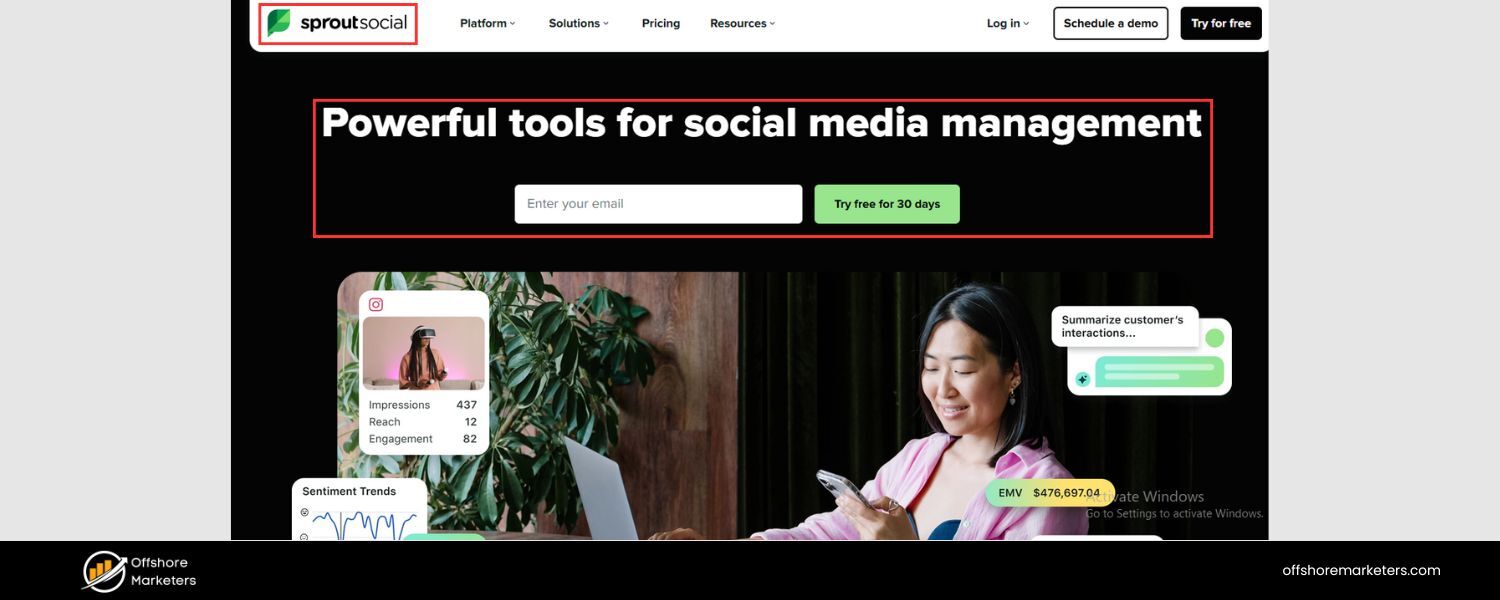
Sprout Social is a powerhouse platform that combines social media management with robust reputation management features. It’s essentially a one-stop shop for monitoring brand mentions, managing social media, and handling customer reviews.
Sprout Social’s toolset includes social listening, where you can track conversations about your brand or industry keywords across major social networks.
It also integrates review management – for example, pulling in reviews from Google and Facebook – so you can reply to them without leaving the dashboard.
B. Key Features
Companies love Sprout Social for its polished interface and collaborative tools. Teams can use a centralized Smart Inbox to see messages and mentions from multiple channels in real time, ensuring no customer inquiry or comment goes unanswered.
Sprout offers built-in sentiment analysis, helping you quickly gauge public attitude by tagging mentions as positive, negative, or neutral.
It even employs AI and chatbots for certain tasks: you can set up chatbots to handle simple customer inquiries on social media, or use automation to tag and prioritize mentions (for instance, flagging urgent issues).
For reporting, Sprout provides beautiful, presentation-ready reports on metrics like response times, sentiment trends, and top influencers talking about your brand.
This all-in-one approach makes Sprout Social especially valuable for mid-size to large businesses that manage an active social presence and want reputation insights integrated with their social media workflow.
C. Why Sprout Social?
With over a decade in the industry, Sprout has a strong reputation of its own. It’s praised for being user-friendly yet powerful. Marketing teams appreciate that they can plan out their social media calendar and, on the same platform, keep a finger on the pulse of brand reputation.
If a negative trend starts (say a tweet storm of complaints), Sprout’s listening module will catch it and you can pivot your social content or customer care response quickly.
Essentially, Sprout Social shines for organizations that want to proactively engage with their audience and address reputation issues head-on, all through one unified tool.
2. Semrush
A. Overview
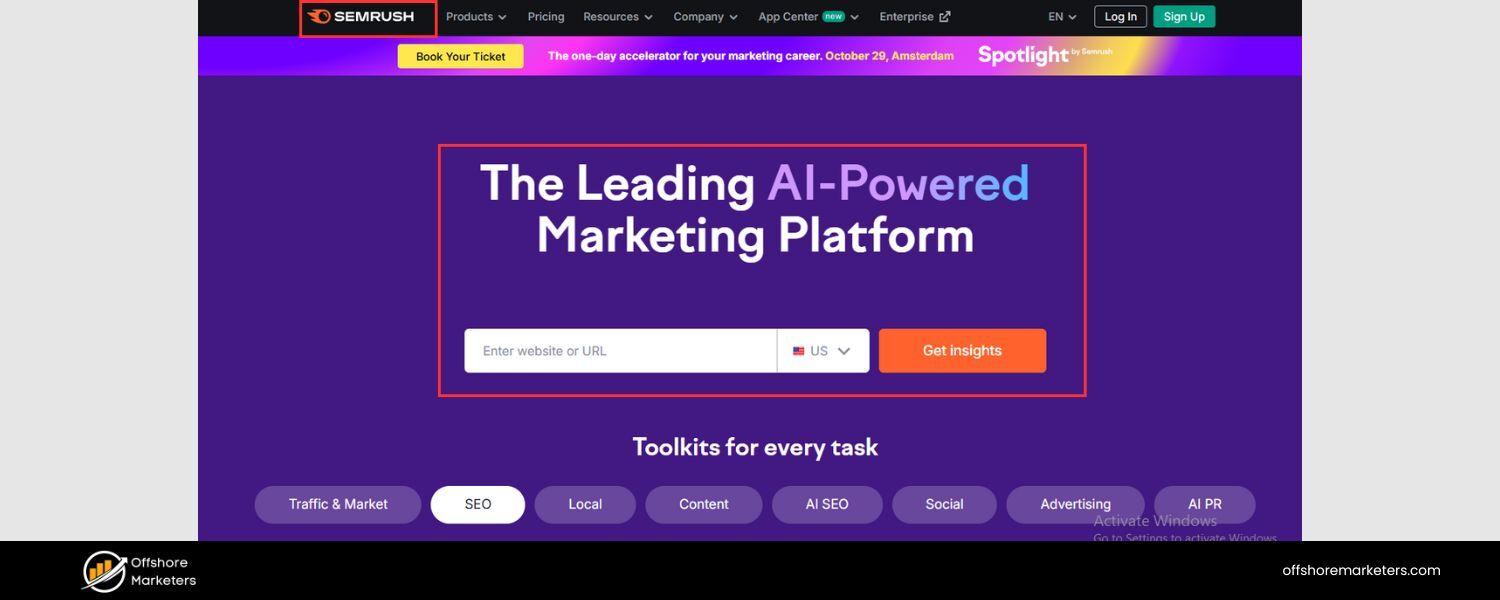
Semrush is widely known as an SEO and digital marketing suite, but it also offers excellent tools for online reputation management. In fact, Semrush has built out specific “Social Media Toolkit” apps for brand monitoring and social listening.
With Semrush’s Brand Monitoring tool, you can track mentions of your brand (and even your competitors’ brands) across web articles, blogs, and forums.
Meanwhile, the Social Media Inbox and Social Media Tracker allow you to manage and analyze your presence on platforms like Facebook, Instagram, LinkedIn, and X (Twitter). Semrush effectively bridges the gap between SEO, content marketing, and reputation management.
B. Key Features
One highlight is Semrush’s ability to segment mentions by sentiment and source. It can differentiate between a mention in a news article versus a customer comment on social media.
The platform provides an analysis dashboard that shows your mention volume over time, sentiment breakdown (positive vs. negative mentions), and even the estimated reach of those mentions.
This helps you understand not just what is being said, but how many people might see it. Semrush also stands out for competitive analysis – you can easily compare mention counts and sentiment for your brand against others, giving you a context for your reputation.
Another useful feature is the integration with Google Business Profile for local businesses: Semrush’s toolkit can help manage Google reviews and track local rankings, which is crucial for businesses that rely on local search.
C. Why Semrush?
If you’re already investing in SEO or content marketing, using Semrush for reputation management offers a convenient all-in-one workflow. You could, for example, discover through Semrush that a particular negative review site is ranking high for your brand searches (which hurts your reputation).
Within the same platform, you might identify keywords or content opportunities to improve your SEO and push better content higher. Additionally, Semrush provides a lot of how-to guidance and templates for things like responding to reviews or improving ratings.
It’s a great choice for data-driven teams who want to tie reputation metrics to broader marketing performance. The pricing is also flexible – smaller businesses can start with basic plans that include reputation features, whereas larger companies can opt for more advanced plans or add-ons for in-depth social media analytics.
3. Podium
A. Overview
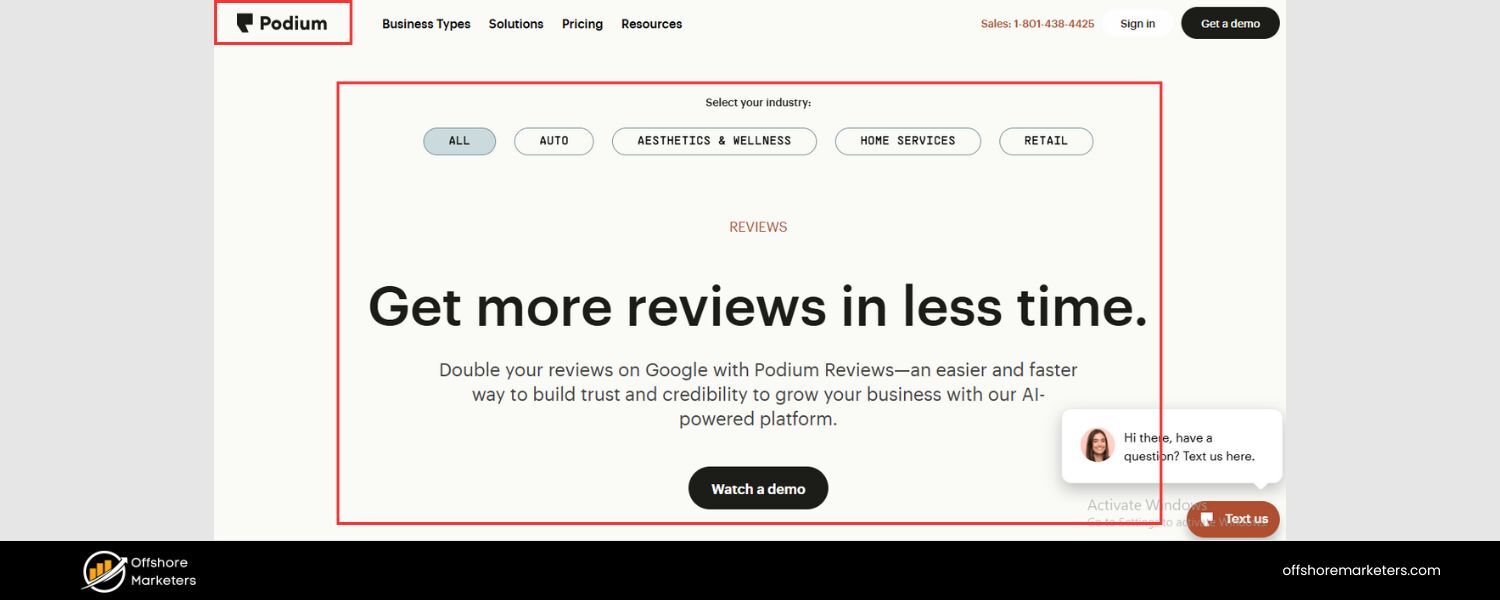
Podium is a highly regarded reputation management tool for local businesses and multi-location companies. Its focus is on making it easy to collect and manage customer reviews, especially through mobile devices and SMS communication.
Podium gained popularity by recognizing that text messaging is a powerful channel for businesses to engage customers. Through Podium, you can prompt happy customers to leave a review with just a quick text message and a link – simplifying the process and boosting your review volumes on sites like Google.
B. Key Features
Podium serves as an all-in-one customer interaction platform. The core reputation features include sending automated review invitations via SMS or email right after a purchase or service.
This gentle nudge often results in a significant uptick in positive reviews, because you’re catching customers at the peak of satisfaction. Podium’s dashboard then aggregates all your incoming reviews from major platforms.
You can respond directly from there and even see analytics like your average star rating trending over time. Another strength of Podium is its webchat and messaging integration.
It not only helps gather reviews, but also centralizes customer messages from your website chat, Facebook Messenger, and Google’s Business Messages into one inbox.
This means if someone has an issue and messages you (instead of posting a public review), your team can reply quickly and hopefully resolve it before it turns into a negative review.
Podium also provides feedback tools like conducting brief customer surveys via text. All these features emphasize convenience and speed for both the customer and the business.
C. Why Podium?
For many small businesses – think restaurants, retail stores, healthcare practices, home services companies – Podium hits a sweet spot. It’s straightforward to use, and it directly tackles the challenge of “How do I get more good reviews and handle customer communications efficiently?” Because Podium leverages texting (which has extremely high open and response rates), it often sees great results in engagement.
Another advantage is that Podium has an eye on Google Reviews, which are incredibly important for local SEO. By funneling more authentic positive reviews to Google, Podium helps improve your local search ranking while bolstering your reputation.
If your priority is to build a strong review profile on sites that matter and engage customers through messaging, Podium is a top pick. Just note that Podium is mostly tailored for customer-facing businesses; purely online or B2B companies might not use all of its features the same way a brick-and-mortar business would.
4. Birdeye
A. Overview
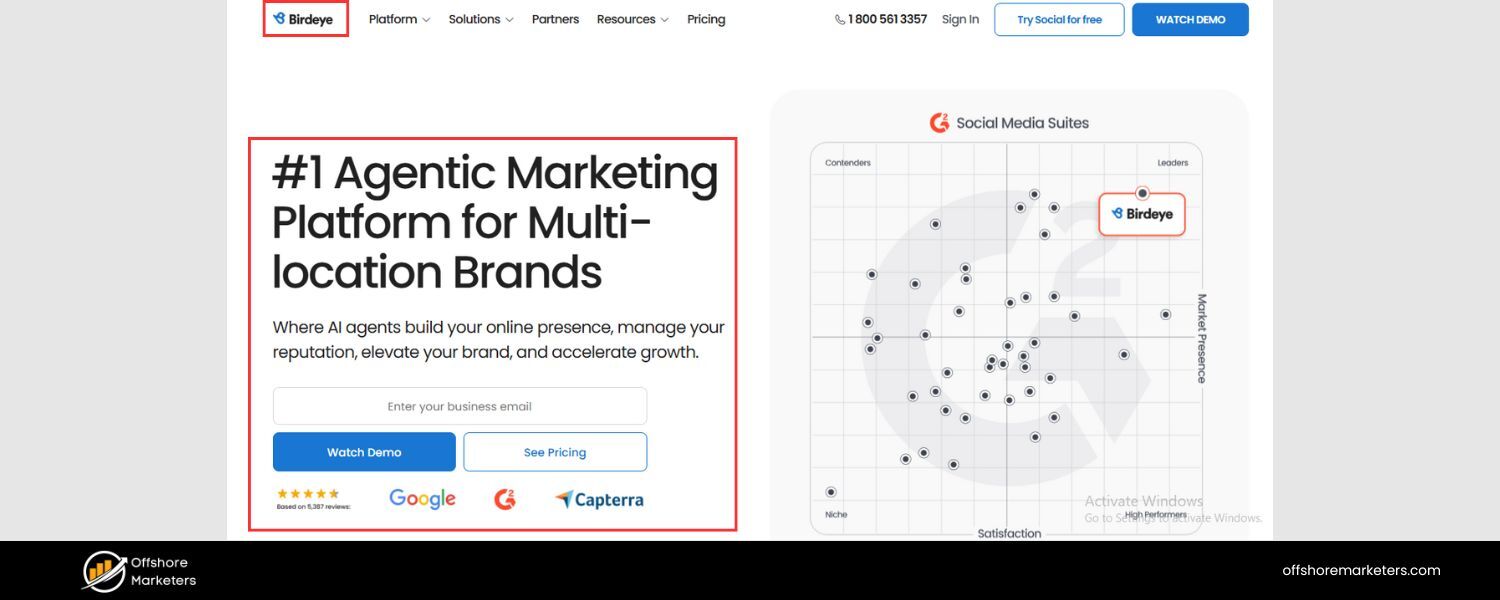
Birdeye is an AI-powered reputation management platform used by businesses of all sizes, from single-location companies to large enterprises. Birdeye’s vision is to help brands “be found and be chosen” by customers.
It offers a suite of tools that cover online reviews, customer experience, and even marketing via messaging. At its heart, Birdeye helps you collect new reviews, monitor and respond to feedback across dozens of sites, and glean insights from customer sentiment.
B. Key Features
A standout feature of Birdeye is how it leverages artificial intelligence in multiple ways. Firstly, Birdeye’s AI can analyze review texts to identify common themes – for example, it might reveal that many customers mention “pricing” positively, but a few mention “parking availability” negatively.
This kind of text analysis helps you pinpoint what drives satisfaction or frustration. Birdeye also has AI-driven chatbots and automations for interacting with customers.
For instance, if someone leaves a review, Birdeye can automatically send a personalized thank-you response, or if the review is negative, it can escalate it to a human with recommended action steps.
Birdeye’s platform includes a centralized Inbox for all customer interactions, pulling in not just reviews, but also messages from Facebook, Google chat, SMS, etc. Another big plus is Birdeye’s focus on business listings and local SEO.
It will sync your latest business information (address, hours, etc.) to dozens of listing sites, ensuring accuracy (so you don’t get bad reviews simply because of outdated info). Birdeye also provides tools for surveying customers and generating testimonials, which you can showcase on your website.
C. Why Birdeye?
Birdeye is often praised for being comprehensive yet automated – it’s like having a digital assistant help manage your reputation. It is especially useful for businesses that operate in multiple locations or franchises, because Birdeye can roll up data by location and also provide an overview for corporate.
A regional manager could see the reputation score for each location, for example, and drill down into specific feedback. Additionally, Birdeye’s emphasis on using AI to improve efficiency means that as a business owner or marketer, you can accomplish more in less time.
Instead of manually reading every single review, you glance at Birdeye’s analysis to know what issues are trending. Instead of crafting every review response from scratch, you get a head start with an AI-suggested reply (always to be reviewed by a human, of course, to ensure it’s appropriate).
Overall, Birdeye is a great choice if you’re looking for a holistic reputation and customer experience platform. It helps you not only manage reviews but also improve your business based on what customers are saying, all while saving time through smart automation.
5. Broadly
A. Overview
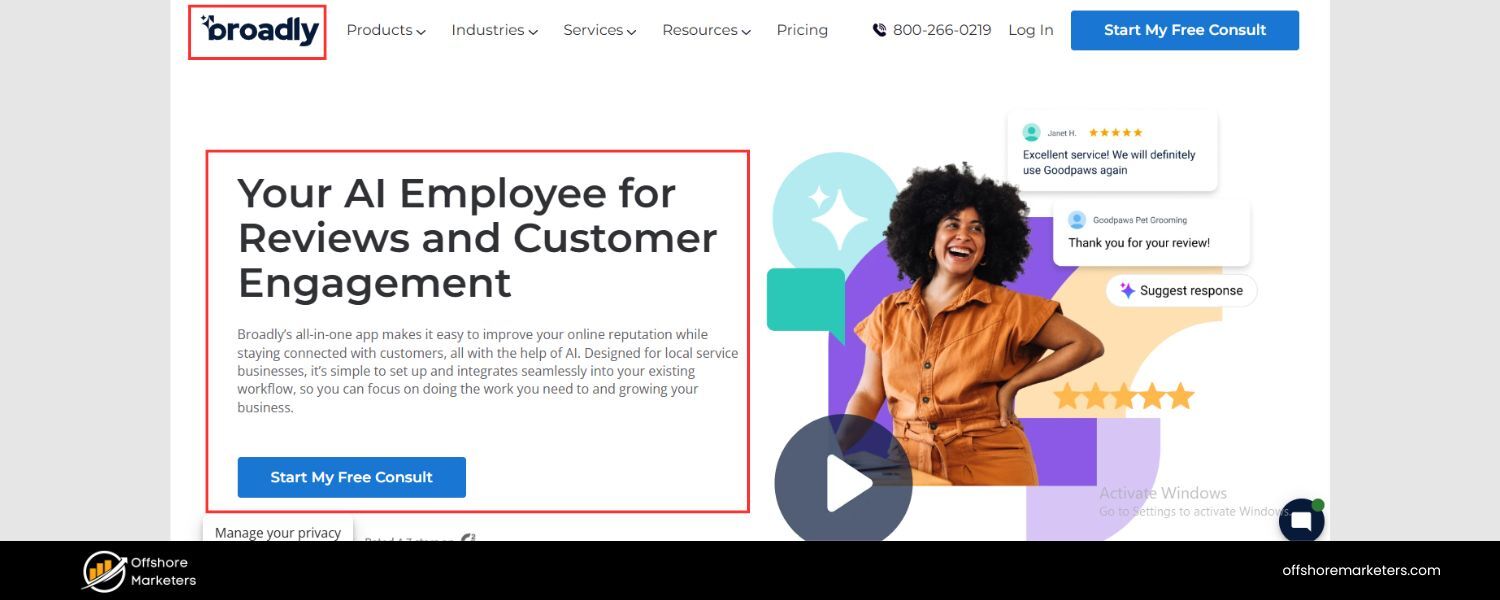
Broadly is a reputation management tool specifically designed to help small and medium businesses stand out and attract leads through positive online reviews.
It’s very much geared towards local service businesses (like contractors, auto shops, salons, etc.) that rely on word-of-mouth and referrals. Broadly focuses on two main aspects: getting you more reviews and streamlining customer communication. By excelling at those, it in turn helps boost your online reputation.
B. Key Features
Broadly offers an easy way to automatically ask customers for reviews. After a job or sale is completed, Broadly can send a customized follow-up via email or text, politely asking the customer to share their experience and providing direct links to your review profiles (like Google or other relevant sites).
This removes friction for the customer – they’re more likely to drop a quick review when the process is this simple. Broadly also uniquely integrates a web chat widget for your website and even features like automated web chat-to-text.
For example, if a potential customer visits your website and asks a question in the chat, you can respond in real time or have the query automatically push to a text message conversation.
This way, you never miss inquiries, and you can continue the conversation even after they leave your site. Timely, helpful responses to inquiries often translate into positive reviews later, because you’ve made a great first impression.
Additionally, Broadly has a light CRM (customer relationship management) component: it can manage your contacts and help send out occasional email campaigns or newsletters. While not a full marketing suite, that added capability means you keep engagement going with past customers – gently reminding them to review or refer you.
C. Why Broadly?
The strength of Broadly lies in its simplicity and focus on core needs. If you’re a small business owner wearing many hats, you might not need an enterprise-level, complex platform. Broadly is straightforward: it helps you get more positive reviews to fuel your growth, and it helps you respond quickly to customers.
The interface is clean and not overwhelming. Many businesses report that using Broadly significantly increased their Google review count in a short time, which in turn brought more traffic through improved local search rankings.
Broadly also prides itself on customer support – they often provide one-on-one coaching on how to best use the tool or improve your online presence.
It’s an excellent option for service-oriented businesses that thrive on local reputation and want a friendly, uncomplicated solution to boost that reputation. By focusing on converting happy customers into public advocates, Broadly essentially helps amplify good word-of-mouth in the digital world.
6. SOCi
A. Overview
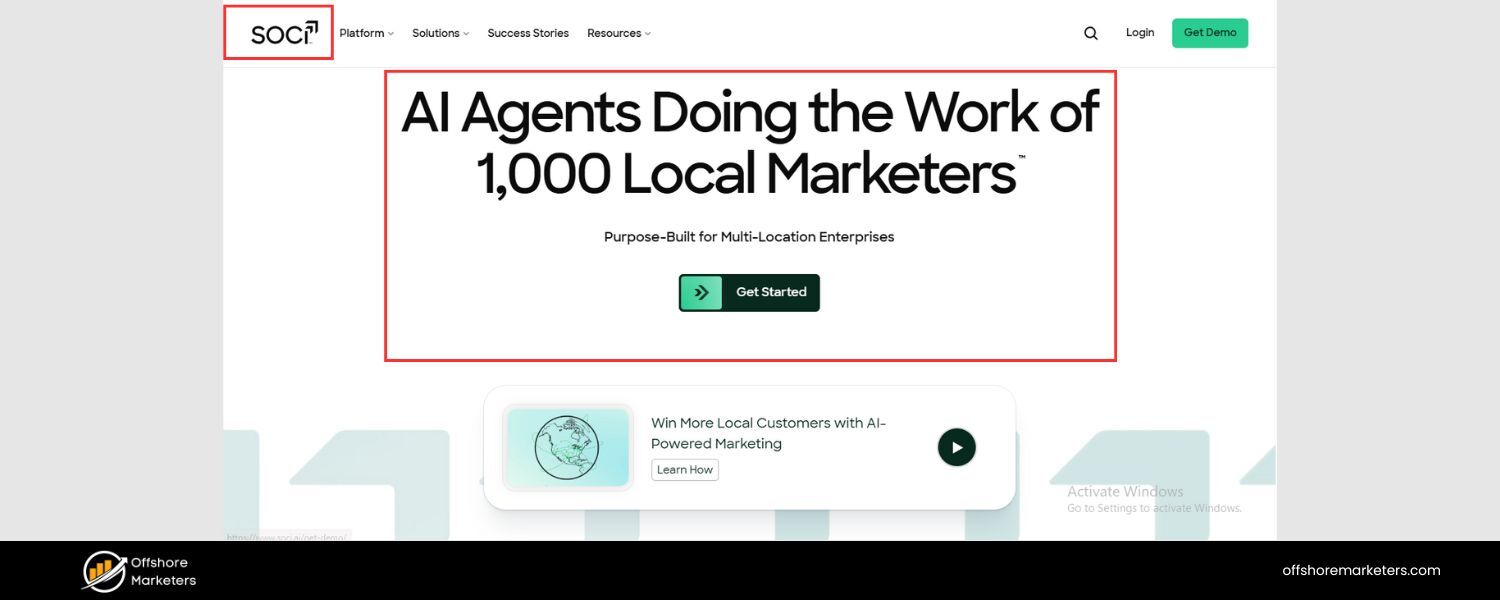
SOCi is a comprehensive social media and reputation management platform built for multi-location businesses. If you operate many locations or franchises (for example, a regional chain of restaurants or hundreds of retail store locations nationwide), SOCi is designed to let you control and optimize the online presence for all those units from one place.
It’s often used in industries like real estate, hospitality, healthcare, and retail chains. SOCi’s reputation management capabilities are one part of its larger suite, which also includes social media posting, ads, and business listings management.
One of SOCi’s claims to fame is its use of “Genius” AI features to automate and scale tasks that would be very time-consuming if done manually across numerous accounts.
B. Key Features
For reputation specifically, SOCi consolidates reviews from across all your locations and review sites. It has a single dashboard where you can monitor star ratings and reviews at the location level and also see the big-picture trends brand-wide.
This is invaluable for spotting, say, if one location is consistently underperforming on customer sentiment or if a particular issue (like “long wait times”) is cropping up in reviews across a region.
SOCi’s AI-powered response generator is especially helpful for large-scale operations – it can craft suggested review responses in the voice and tone you specify, which are then reviewed by your team and quickly posted.
This helps ensure that every customer review, even across hundreds of pages, gets a timely and brand-consistent reply. In addition, SOCi provides local listing management (so all your store addresses, hours, etc. are up to date on Google, Facebook, and directories) and recommendations for local SEO improvements.
The platform also includes social media content scheduling and even social advertising tools, so you can manage local Facebook or Google ad campaigns for each location. Essentially, SOCi centralizes what would otherwise require multiple tools or a massive team to handle manually.
C. Why SOCi?
The value of SOCi becomes clear if you consider the challenge of a multi-location brand: maintaining quality and consistency everywhere. SOCi empowers a corporate marketing team to empower local managers with the right tools.
For example, a local manager might get access to respond to their location’s reviews via SOCi, but the corporate team can supply approved templates or monitor the sentiment trends.
SOCi is built to handle scale, so it shines for enterprises and franchisors who need oversight across many moving parts. Their use of AI (“Genius” features) for things like auto-responding to reviews or auto-suggesting social posts can save countless hours while still allowing a personal touch (since humans review the AI suggestions).
If you’re a smaller business with just one location, SOCi might be more firepower than you need. But for businesses with a large footprint, SOCi is a game-changer – helping maintain a strong, unified online reputation and social presence across the board.
It ultimately drives more consistent customer experiences, because insights from one location (good or bad) can be applied system-wide to improve every location’s reputation.
7. Google Alerts
A. Overview
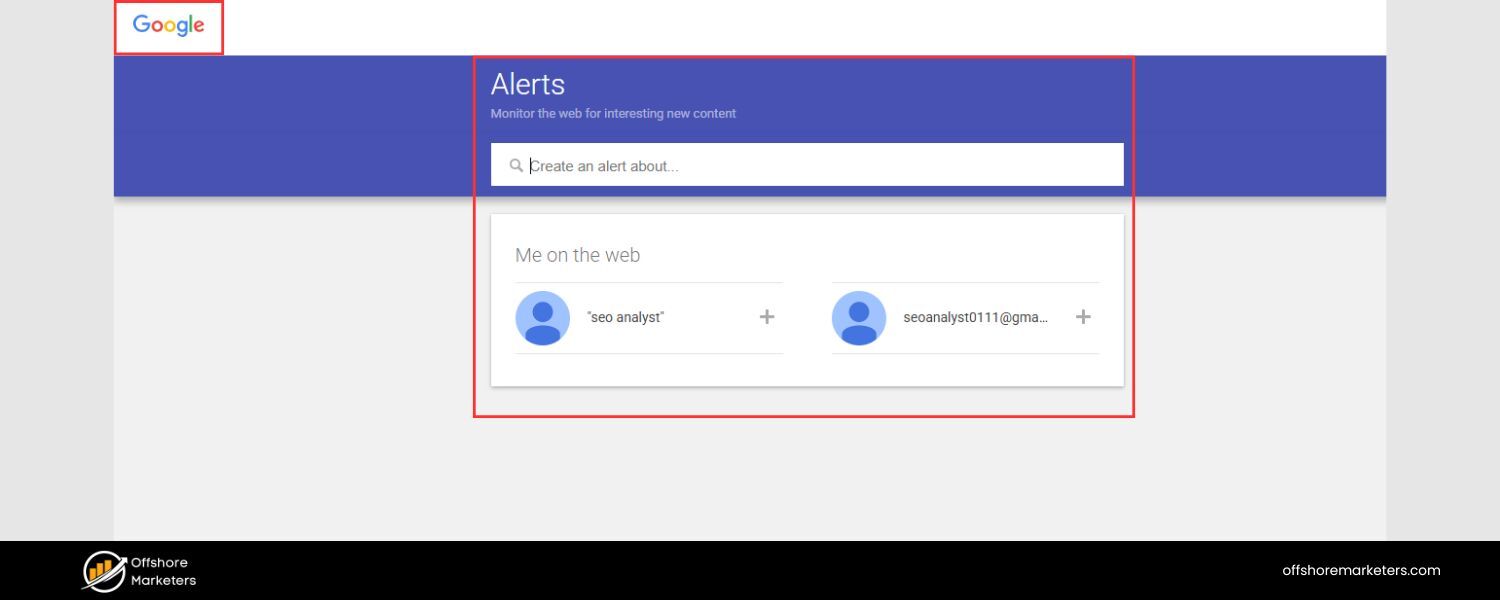
Google Alerts is not a full-fledged reputation management software, but it’s a free and incredibly handy tool provided by Google for basic online mention monitoring.
It essentially allows you to track specific keywords and phrases on the web and get notified when new content matching those appears in Google’s index. For someone managing their own personal or business reputation on a shoestring budget, Google Alerts can serve as an easy starting point to keep an eye on things.
B. Key Features
Simplicity is the name of the game here. You go to Google Alerts and enter keywords you want to monitor – for reputation purposes, this would typically be your company name, key product names, and perhaps the names of high-profile individuals in your company.
You can also input variations or common misspellings of your brand, just to be thorough. Google then lets you choose how often you want to be alerted (as-it-happens, daily, or weekly digest), the sources (news, blogs, web, etc.), language, and region.
Once set up, you’ll receive an email whenever Google finds a new page that matches your terms. For example, if someone writes a new blog post mentioning your restaurant “Sunset Bistro,” and you have a Google Alert on that name, you’ll get an email with a snippet and link to that content.
This way, you won’t miss online articles, press mentions, or blog discussions about your business. It’s important to note Google Alerts mainly covers web content and news – it does not monitor most social media or review sites (those often aren’t indexed in the same way). Still, if a news story or forum thread is brewing about your brand, Google Alerts will likely catch it.
C. Why Google Alerts?
The biggest reason to use Google Alerts is that it’s free and easy, requiring no technical setup beyond an email address. It’s a great starting point for very small businesses, individuals, or anyone who just wants a basic safety net for their online presence.
For instance, if you’re an author or a consultant, you might set an alert on your name to see when you’re mentioned. Or if you own a local business, an alert on your business name can tip you off if a local news site writes about you (positively or negatively), giving you a chance to respond or leverage that publicity.
While Google Alerts won’t give you sentiment analysis, fancy dashboards, or the ability to reply to reviews, it serves a simpler purpose: awareness.
Many larger companies even use Google Alerts in addition to other tools, just as a double coverage for web mentions. In summary, Google Alerts is worth setting up by everyone for the keywords that matter to you.
It’s not comprehensive, but it’s low-effort and ensures you’re not completely in the dark about new information hitting the internet about your brand. Think of it as an automated Google search that runs 24/7 on your behalf.
8. Reputation (Reputation.com)
A. Overview
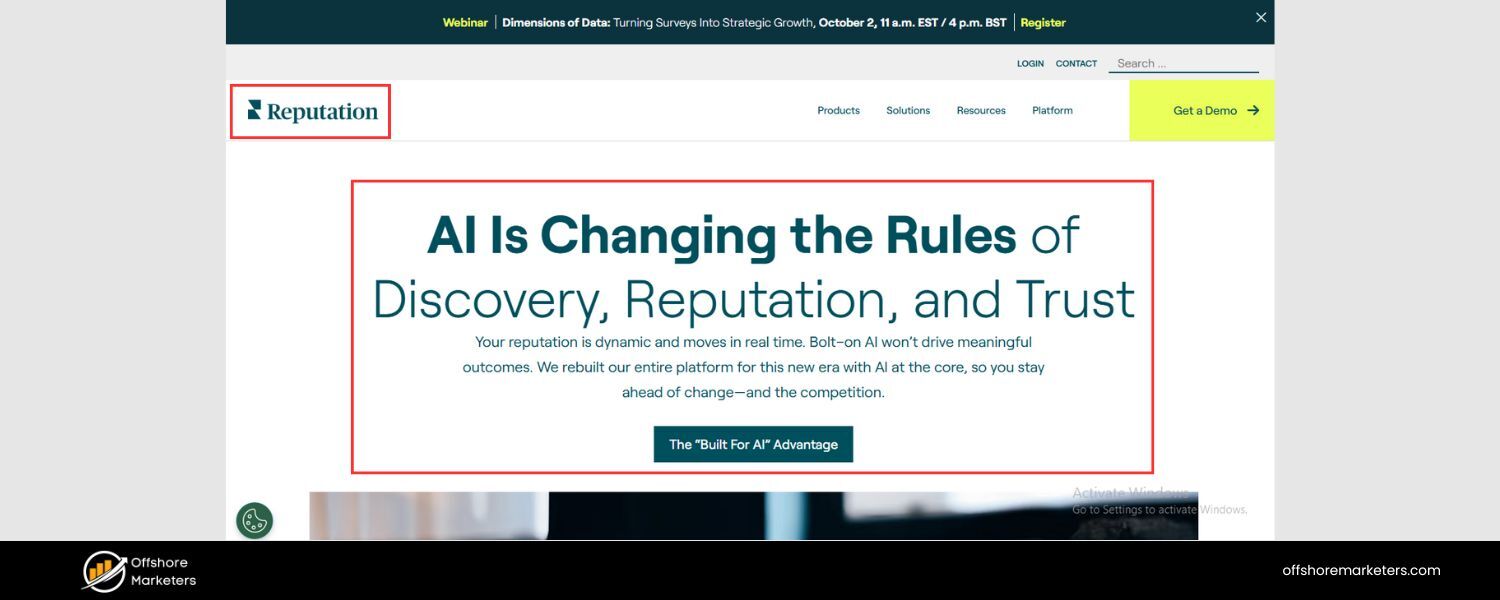
Reputation, formerly known as Reputation.com, is an established platform that provides a full suite of online reputation management services. It’s widely used in industries like automotive, healthcare, retail, and hospitality – essentially, any sector where customer reviews and experiences heavily influence choice.
Reputation’s platform centers on gathering and managing reviews, improving customer satisfaction, and providing businesses with a unified view of their online reputation through a proprietary “Reputation Score.”
B. Key Features
The Reputation platform is quite comprehensive. To start, it aggregates customer reviews from hundreds of sources – not just the usual big sites, but also niche review sites relevant to specific industries (for example, dealer ratings for auto, Healthgrades for healthcare, etc.).
All reviews flow into one inbox, and your team can respond to each without leaving the platform. Reputation puts a lot of emphasis on analytics and scoring.
Their Reputation Score is an aggregate metric that takes into account your review ratings, volume, recency, spread across sites, and even your engagement with reviews.
It gives companies a benchmark of their reputation health that they can track over time or compare against industry averages. Another notable feature is social listening and publishing integrated into the platform – you can monitor social media mentions and also post updates to your social channels.
So, it doubles as a social media management tool to some extent. Reputation also has a survey tool, allowing you to solicit direct customer feedback via surveys and then funnel positive responders to leave public reviews (a smart way to boost reviews ethically).
For enterprises, Reputation offers strong workflow and case management: you can route a particularly bad review or urgent issue to a specific manager or department, ensure follow-up, and even track the issue’s resolution within the system. This closes the loop from noticing a reputation issue to actually fixing the underlying problem.
C. Why Reputation?
Experience and depth. Reputation (the company) has been a player in this space for a long time, and they’ve evolved their platform to meet the needs of large organizations with complex requirements.
If you have to manage, say, 500 retail stores’ online presence or a hospital network’s patient feedback, you need more than a simple tool – you need strategy and advanced capabilities.
Reputation provides that, along with a team that can support with managed services if needed. The Reputation Score is a useful figure for executives to watch, and it encapsulates many data points into one digestible number.
Businesses often use it as a KPI for their customer experience programs. Another reason to choose Reputation is if you want a platform that combines reputation management with operational insights.
For example, by integrating surveys and reviews, you might discover that a particular location’s low score is due to long wait times, leading you to operational changes. Reputation’s platform can handle those nuances.
It is geared a bit more towards medium to large enterprises – smaller businesses might find it more than they need. However, for those who require an enterprise-grade solution with customizable features and reliable support, Reputation (Reputation.com) is a top contender to consider.
9. Meltwater
A. Overview
Meltwater is a well-known name in the media monitoring and social listening space, and it doubles as a powerful tool for online reputation management. Traditionally, PR professionals and communications teams have used Meltwater to track press hits and news coverage.
Over the years, Meltwater has expanded to monitor social media and online content broadly. It’s essentially a media intelligence platform that helps you know everything that’s being said about your brand (or any topic) across news outlets, social networks, blogs, forums, and more.
For reputation management, this broad listening capability means you can catch both the high-level news narratives and the ground-level customer conversations that shape your brand’s image.
B. Key Features
Meltwater’s core strength is its extensive monitoring coverage and filtering abilities. It taps into millions of sources, including international news in dozens of languages, and gives options to filter by region, language, source type, etc.
For example, you could zero in on “brand mentions in Spanish-language media in South America” if that’s relevant to you. Meltwater’s dashboard will show you trending themes, spikes in mentions (which often indicate something going viral), and an automatically generated sentiment analysis.
A particularly useful feature for crisis monitoring is Meltwater’s alerts for spikes or unusual activity – if your brand’s mention volume suddenly doubles in an hour, Meltwater can alert you so you’re immediately aware something’s up (perhaps a viral tweet or an emerging news story).
They also offer a social media management module, so you can reply to messages or schedule posts, although this is often an add-on.
Meltwater’s analytics include things like share of voice (what percentage of the conversation is about you versus competitors) and key influencers driving discussions about your brand.
If you need to report to leadership, Meltwater can generate in-depth reports and even an automated daily news brief about your company and industry, which many execs appreciate.
C. Why Meltwater?
Meltwater is a top choice when you need PR-level monitoring combined with social listening. Companies that have significant media coverage – whether good or bad – use Meltwater to stay on top of their public narrative.
If, for instance, a negative news article comes out, Meltwater helps you see how far it spreads, which journalists or outlets are amplifying it, and what the public sentiment around it is.
That insight is critical for communications strategy. From a reputation standpoint, catching early warning signs in the news can help you respond with official statements or content before things snowball. On the social side, Meltwater ensures you don’t miss trending hashtags or conversations about your brand.
It’s very much an enterprise-grade tool, and the pricing typically reflects that – it’s often chosen by larger organizations, agencies, or those with a dedicated communications budget. The reason they invest is because Meltwater can prevent you from being blindsided.
It brings all the noise into one place and then gives you the means to make sense of it, discovering the signal that matters. If your brand’s reputation ties closely to media coverage and public discourse, Meltwater is an invaluable ally for navigating that landscape in real time.
10. Mention
A. Overview
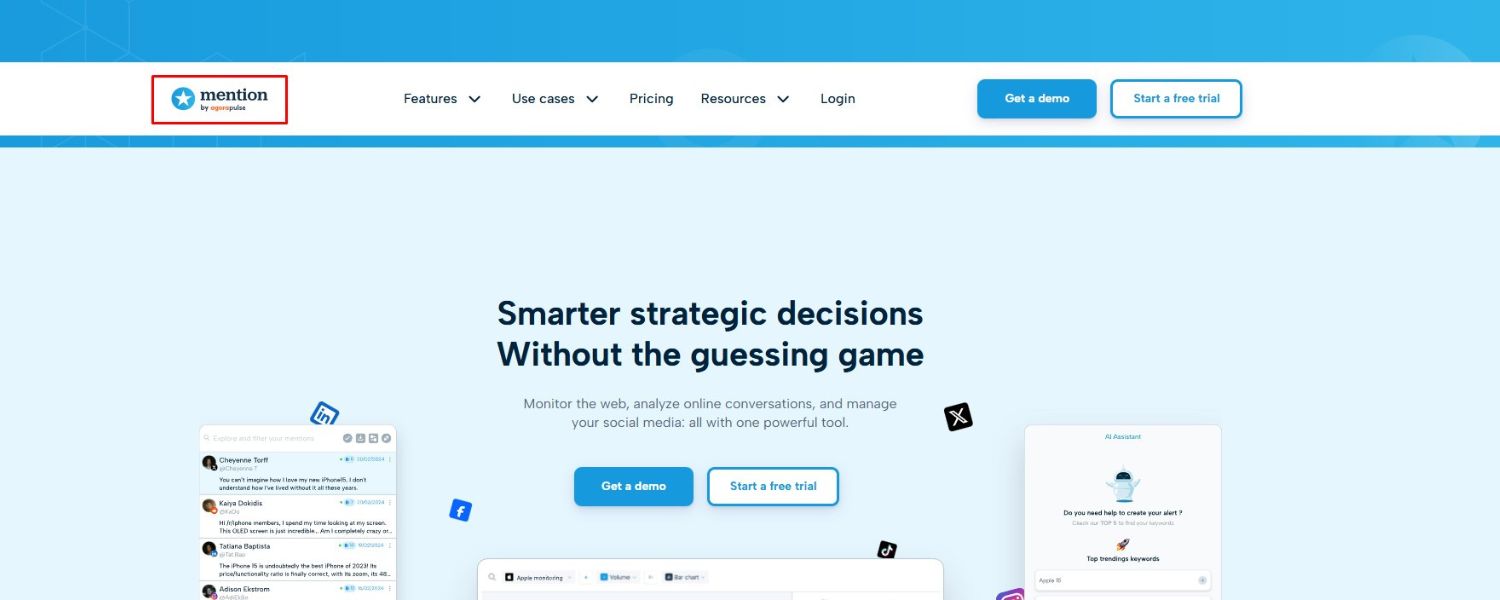
Mention is a popular social media monitoring and listening tool that also serves as a nimble reputation management aid for brands. As its name implies, Mention specializes in tracking any mentions of your chosen keywords across the internet.
It’s often praised for its ease of use and real-time capabilities, making it a favorite for many startups, marketing agencies, and small-to-medium businesses that need to stay alert about their online buzz.
B. Key Features
Mention casts a wide net, monitoring content from social media platforms, blogs, news sites, forums, and other web pages for your keywords. One of its strengths is delivering results in real time – if someone mentions your brand on Twitter or a blog right now, Mention can show it to you almost immediately.
This immediacy is fantastic for engaging with users at the right moment (for instance, thanking someone for a compliment or quickly addressing a complaint).
The interface is often likened to a social media feed, which makes scrolling through mentions feel natural and familiar. Mention also offers historical data access (depending on your plan), which allows you to fetch mentions from the past, even up to two years back.
That’s handy if you want to analyze past trends or didn’t have monitoring in place previously. It includes basic sentiment analysis and influence scoring, highlighting which mentions come from sources with larger followings (so you can prioritize responding to an unhappy tweet from someone with 50,000 followers, for example).
Another feature is the ability to set up boolean keyword alerts – giving you flexibility in tracking complex brand queries or excluding irrelevant terms.
On top of monitoring, Mention provides a way to publish and schedule social media posts and even respond to Twitter or Facebook mentions directly through the platform, turning it into a lightweight social media management tool as well.
C. Why Mention?
Mention strikes a great balance for those who need robust monitoring without the complexity (or cost) of enterprise systems. It’s especially useful for digital-savvy small businesses, agencies managing multiple client brands, or even individual influencers who want to keep tabs on their online presence.
The ability to pull in mentions from billions of sources ensures you’re not missing much – from a random blog reference to a discussion in a niche online community. Its real-time nature means it’s well-suited for community engagement and customer support on social media.
For example, some brands use Mention to catch any user questions or issues posted online about their product so they can respond quickly and delight the customer with prompt help.
Compared to some big suites, Mention is relatively quick to set up – you can start getting alerts in minutes. It also tends to be more affordable than enterprise tools, scaling with different plan levels.
Overall, if you’re looking for a fast, real-time pulse on what’s being said about your brand across the web and social sphere – and want the flexibility to join those conversations directly – Mention is a solid choice that’s both powerful and user-friendly.
11. Brandwatch
A. Overview
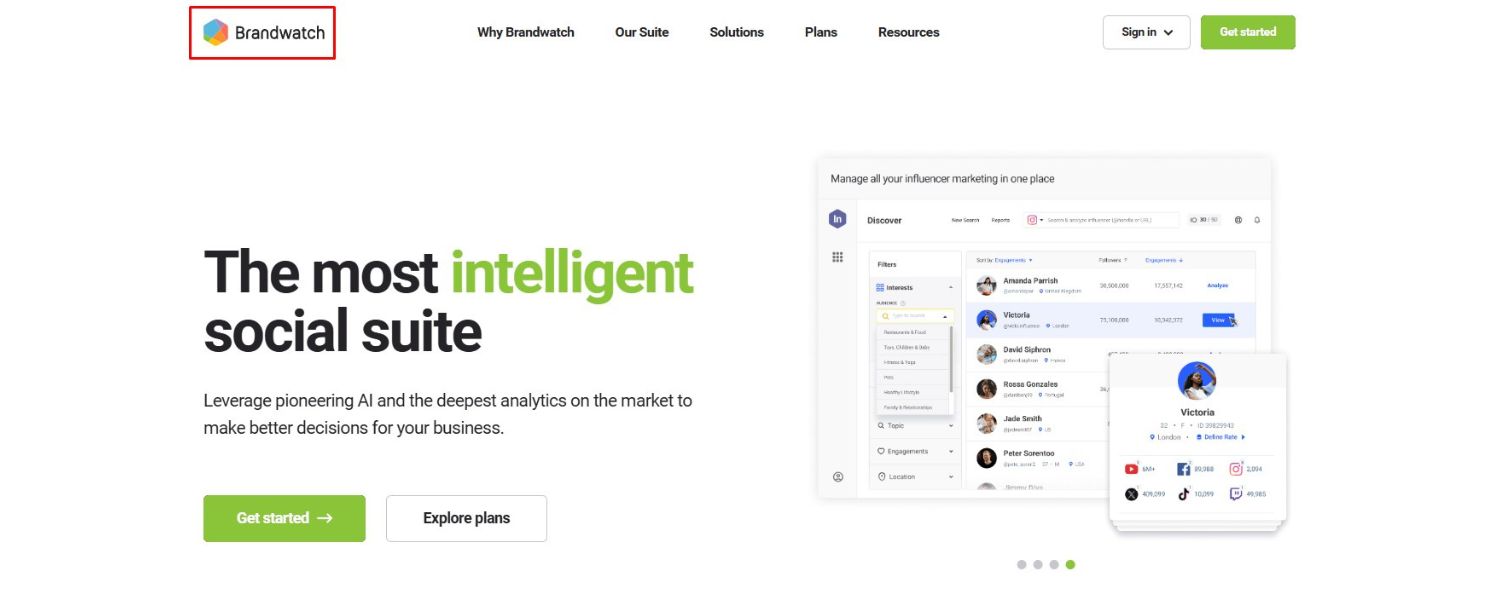
Brandwatch is an industry-leading social intelligence and analytics platform often used for in-depth online reputation and consumer research. It’s one of the go-to tools for companies that want to truly dig deep into online conversations about their brand, competitors, or any topic of interest.
Brandwatch has a strong heritage in social media listening, and it has continually evolved to incorporate AI-driven insights, influencer tracking, and even image recognition. If you have a big picture question like “What does the world think of our brand right now and why?”, Brandwatch is built to help answer that.
B. Key Features
Brandwatch’s listening capabilities are incredibly extensive. It monitors a vast array of sources – obviously all major social networks (including Twitter/X firehose access for full coverage), blogs, forums, news, review sites, and more. One standout feature is its historical data access, which goes back many years (over a decade of conversations stored).
This means you can analyze long-term trends or compare brand sentiment now versus, say, five years ago. Brandwatch uses powerful Boolean query setups, allowing you to create very specific monitoring rules (helpful if your brand name is a common word or has multiple meanings).
The platform provides dashboards that are highly customizable, where you can visualize data in charts, graphs, and word clouds.
For example, you can see a sentiment trend line, a topic cloud of most common words associated with your brand, and a geographical map of where conversations are happening – all in one view.
Brandwatch also integrates AI in the form of automated insights: it might alert you that a certain theme is unusually prominent in discussions this week, or that a new hashtag related to your brand has emerged.
Another unique capability is image analysis – Brandwatch can detect if your logo or product appears in images that are shared online (even if you’re not mentioned in text), uncovering a layer of brand mentions that many other tools would miss. Collaboration-wise, Brandwatch supports multiple users, each with tailored views and alerts, which is useful for larger teams.
C. Why Brandwatch?
Brandwatch is often chosen by organizations that view online reputation not just as something to defend, but as business intelligence to harness. Because it can handle complex queries and huge data volumes, it’s a favorite of market research departments, PR agencies, and global brands.
The insights you gain can feed into everything from product development (e.g., noticing consumers want a certain feature) to campaign strategies (e.g., identifying key influencers or communities that talk about your product category).
For reputation management specifically, Brandwatch ensures you have virtually no blind spots – if there’s talk about you, you’ll know about it. And the historical context it provides can help put current issues in perspective (is this spike in negativity an outlier, or part of a pattern?).
Another reason to go with Brandwatch is its constant innovation; it has merged with other players (like Crimson Hexagon in the past) and incorporated cutting-edge tech, which means as new channels or trends emerge (say, a new social platform), Brandwatch is likely to integrate them quickly.
The trade-off is that Brandwatch, being an enterprise tool, requires a bit of learning to master and an investment to procure. But for those who truly want to lead the narrative and understand their brand’s reputation at a granular level worldwide, Brandwatch is hard to beat.
12. ReviewTrackers
A. Overview
ReviewTrackers is a specialized platform focused on tracking and managing online reviews for businesses. As the name suggests, it excels at collecting your reviews from a multitude of sites and helping you derive value from customer feedback.
Many businesses use ReviewTrackers to centralize their review management process – instead of logging into Google, Yelp, Facebook, Tripadvisor, and 10 other sites every day, you get everything in one feed.
ReviewTrackers is particularly popular among hospitality, restaurant, retail, and healthcare brands, but really any business that accumulates reviews online can benefit from it.
B. Key Features
ReviewTrackers supports the monitoring of 90+ review websites. This includes the big ones (Google, Facebook, Yelp) and also industry-specific ones (like OpenTable for restaurants, Cars.com for dealerships, G2 for software companies, etc.).
All reviews from all connected sites show up on your dashboard. One immediate benefit of this is the ability to respond to reviews directly via the platform – no need to go site by site.
You can set up alerts so that you’re notified of new reviews immediately (or get a summary daily), which is key for timely responses. The platform also provides natural language processing insights, meaning it reads all your reviews and tells you common sentiments.
For instance, it might highlight that “service” is frequently mentioned positively, while “pricing” is a common negative theme. These insights are often presented as charts or word clouds, making it easy to spot what areas of your business are delighting or disappointing customers.
Another useful feature is competition tracking – ReviewTrackers can allow you to monitor competitors’ reviews and ratings as well, to see how you stack up or what customers are saying about alternatives.
Additionally, ReviewTrackers helps with generating new reviews by providing tools to request feedback via email or SMS (often used right after a customer visit or purchase).
It can even integrate with CRMs or POS systems to automate sending a review invite to customers. Reporting is comprehensive: you can get reports on individual locations (if you have many stores, for example) or an overall brand report, including key metrics like average rating over time, response rate, and improvements in satisfaction.
C. Why ReviewTrackers?
If online reviews are a major pillar of your business’s reputation, ReviewTrackers is tailor-made for you. It’s especially valuable for multi-location businesses that want to ensure consistency in reputation management across each site.
For example, a franchise owner could use it to see how all their locations are performing in terms of customer experience through reviews. One big advantage is how much time it saves in review monitoring and response – what could take hours each week checking dozens of sites, ReviewTrackers automates in minutes.
By making it easier to stay responsive, it indirectly helps improve your public image (businesses that respond to reviews are generally seen as more caring and attentive). Also, the insights gleaned from the reviews can be eye-opening.
You might discover recurring issues (e.g., many reviews mention long wait times on weekends), which you can then address internally. Over time, that can lead to better reviews – a virtuous cycle.
ReviewTrackers’ simplicity and focus mean even smaller businesses can use it effectively, but it also offers scalability and integrations (with tools like Hootsuite, HubSpot, Slack, etc.) that larger organizations appreciate.
In summary, choose ReviewTrackers if you recognize that online reviews are gold, containing both the reflections of your current customer experience and the key to winning new customers, and you want a dedicated system to mine and manage that gold consistently.
Other Notable Tools and Services
The above list covers many of the leading platforms, but there are certainly other capable tools in the online reputation management space that might suit specific needs. Here are a few honorable mentions:
1. Reputology

A tool focused on review management and analysis, similar in spirit to ReviewTrackers. Reputology not only gathers reviews from popular sites but also uses semantic analysis to turn qualitative review comments into quantitative data (for example, scoring sentiment on specific aspects like cleanliness, pricing, etc., for a hotel). It’s a solid choice for businesses that want to dive into the “why” behind their ratings.
2. Chatmeter
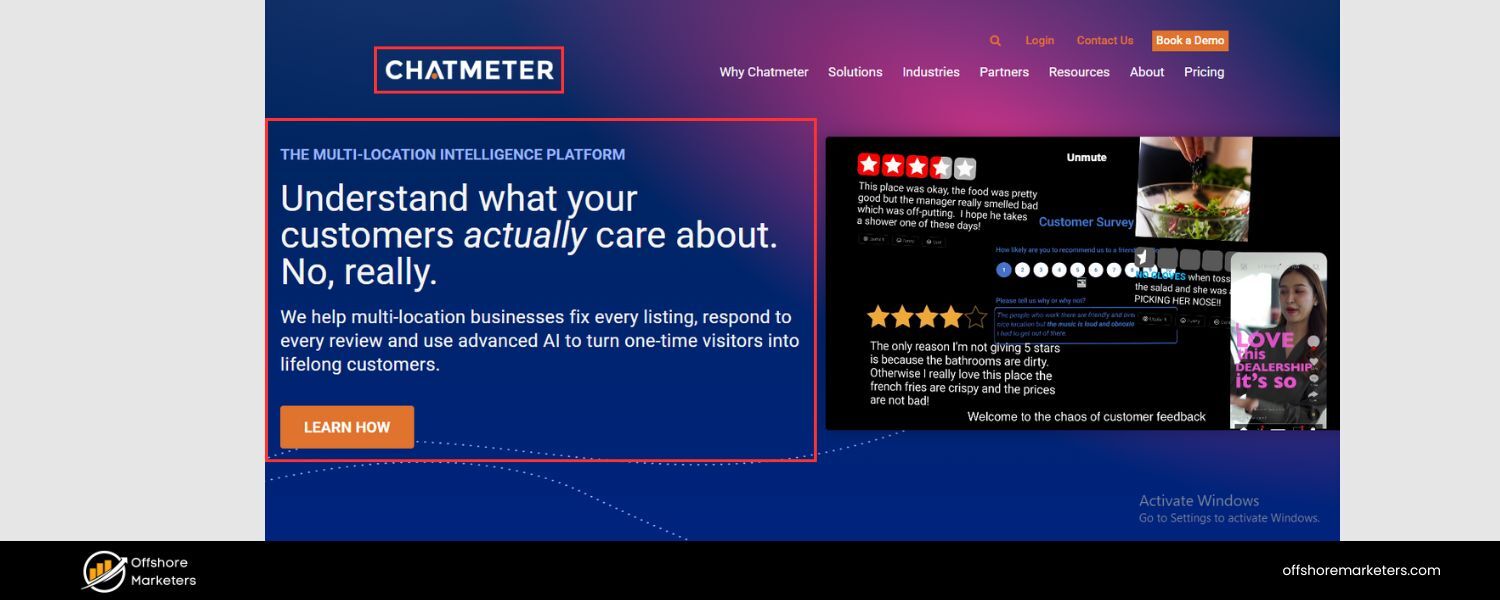
This platform caters to multi-location businesses and emphasizes local reputation and search visibility. Chatmeter tracks local reviews and mentions, and it comes with a “Local Brand Visibility” score to benchmark each location.
One of Chatmeter’s cutting-edge features is using generative AI to draft responses to reviews or customer messages, which can save regional managers a lot of time while ensuring each response is professional and on-brand.
3. Awario
An affordable social listening tool that works well for small businesses and startups. Awario monitors social media, news, blogs, and the web for keywords and provides insights on sentiment, top influencers, and even allows you to engage with mentions directly.
It’s known for a clean interface and useful analytics, like showing the share of positive vs negative mentions in a visual dashboard.
4. Mentionlytics
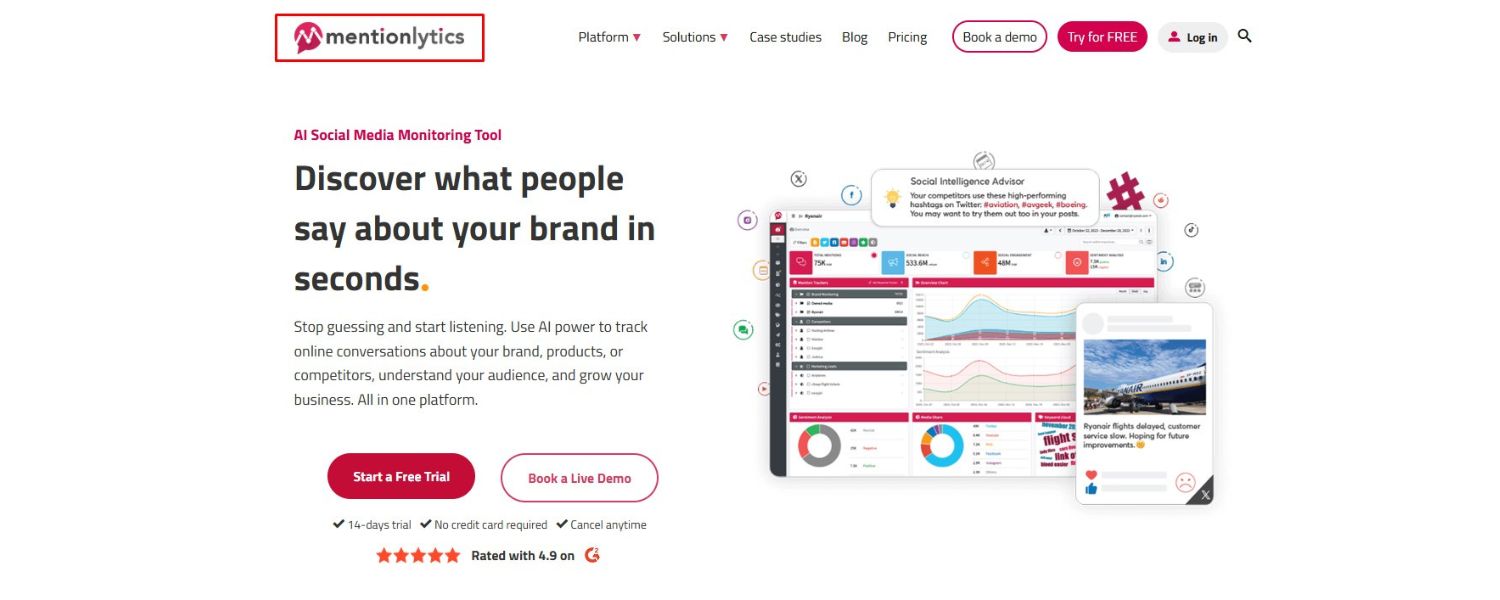
Another powerful listening tool, Mentionlytics monitors a wide range of online sources and offers features like “virality alert,” which notifies you if a particular mention is gaining unusual traction (signaling a potentially viral trend).
It’s useful for brands that want early warning for both viral complaints and viral praise. Mentionlytics also positions itself as a social media management platform, letting you post and schedule content, so it’s a bit of a hybrid.
5. YouScan
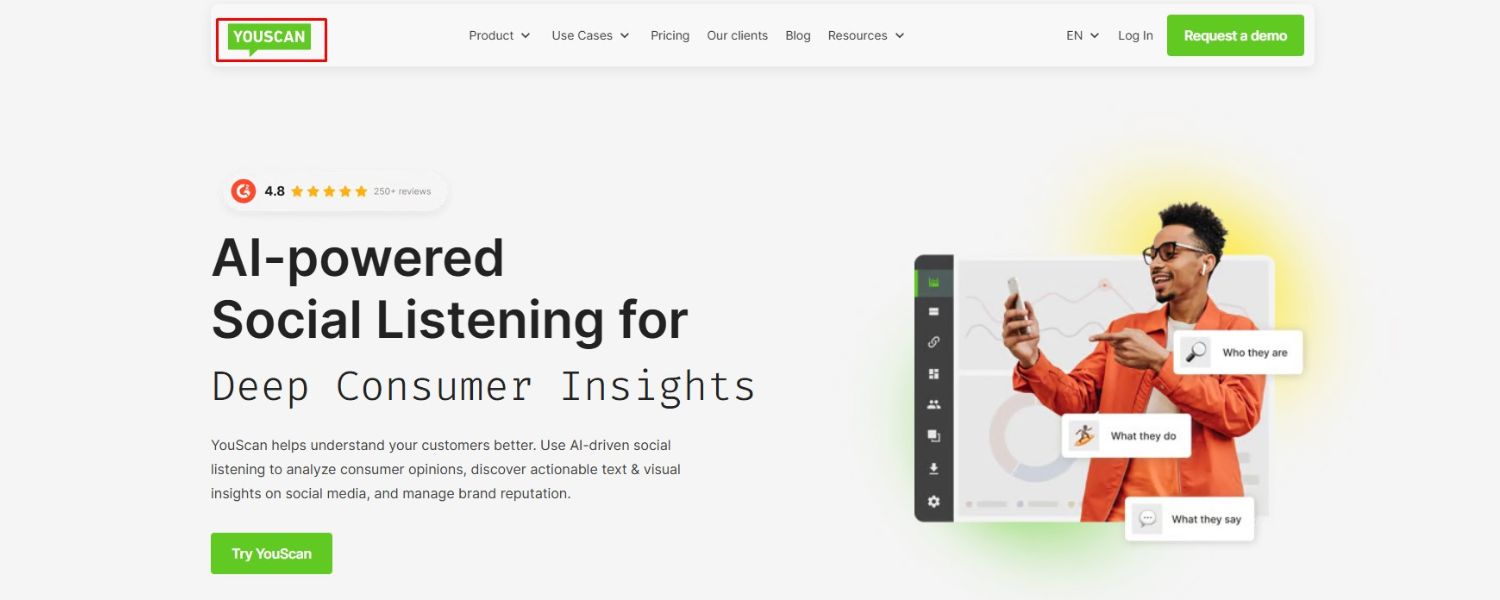
A unique social listening tool notable for its visual listening capabilities. YouScan can recognize logos and brand images in social media posts.
This means if someone shares a photo of your product or a customer posts a picture from one of your locations without explicitly naming you, YouScan might still catch it. For brands heavily featured in user-generated images (e.g., fashion brands, food & beverage), this is a great complement to text-based monitoring.
6. Sprinklr
A high-end, enterprise customer experience management platform that includes robust reputation management functions. Sprinklr offers social listening, publishing, customer engagement, and even ad management in one integrated system.
It’s used by very large brands that want an all-in-one solution. Sprinklr’s AI-powered analytics are top-notch, and it can handle enormous data volumes (global brand conversations, multiple languages) with ease.
7. Qualtrics XM (Experience Management)
While not a traditional “ORM” tool, Qualtrics is often used by companies to gather structured feedback via surveys and manage customer experience. It’s worth mentioning because some businesses use Qualtrics to proactively collect feedback and resolve issues before they become public negative reviews.
Qualtrics can distribute surveys post-purchase or post-service and analyze customer satisfaction. Though it doesn’t monitor social media or reviews, integrating Qualtrics into your strategy can improve your reputation by addressing pain points internally.
8. NiceJob
A rising star for small businesses, NiceJob focuses on automating review invitations and showcasing customer testimonials. It sends customers prompts to leave reviews and even helps you create stories out of your best reviews to share on social or your website.
For a small business looking to market itself through happy customer voices, NiceJob is an easy-to-use option.
9. Thryv
An all-in-one business platform for small businesses, Thryv includes reputation management as one of its many features (alongside scheduling, CRM, etc.). Its reputation tool helps you manage listings and reviews across sites.
If you’re already thinking of using a full business management software and want reputation thrown in, Thryv could be appealing.
Each of these tools has its own strengths. The best choice ultimately comes down to your specific needs and scale: Do you run a mom-and-pop shop that just needs a steady flow of good reviews and simple alerts for the occasional negative comment?
Or are you overseeing a global brand where a single viral event can make headlines and you require detailed analytics and cross-team coordination? The good news is that with so many options out there, you can tailor a reputation management tech stack that’s a perfect fit.
How to Choose the Right Reputation Management Tool for Your Business

With an array of excellent tools on the market, deciding which one(s) to use can feel overwhelming. Here’s a strategic approach to choosing the best reputation management solution for your needs:
1. Define Your Goals
Start with clarity on what you want to achieve. Is your top priority to get more positive reviews on Google? Or are you more concerned with social media sentiment? Perhaps you need to monitor industry news to manage PR crises, or simply ensure you respond to every customer comment promptly.
Different tools shine in different areas. For example, if review generation and management is your focus, tools like Podium or ReviewTrackers might be ideal. If broad listening and analytics are key, a platform like Brandwatch or Meltwater could be more suitable. Know your primary use case – it will quickly narrow your options.
2. Consider Your Channels
Make a list of all the places your customers are talking about you (or could be talking about you). This likely includes: Google reviews, Facebook recommendations, perhaps Yelp or TripAdvisor, maybe industry-specific sites, and social media like Twitter, Instagram, TikTok, LinkedIn, forums, etc.
Ensure the tool you choose covers the channels that matter to you. For instance, not every tool monitors TikTok or Pinterest – if those are crucial for your brand, lean towards a service known to include them. Similarly, if you operate in a niche industry, make sure the tool integrates that niche review site where your customers go.
3. Match the Tool to Your Business Size
The scale of your operations matters. Small businesses or solo practitioners might do well with simpler, budget-friendly tools (or free options like Google Alerts) because they likely have fewer mentions to track and can manage manually to an extent.
Mid-sized businesses with a growing online presence might benefit from mid-range tools like Mention, Birdeye, or Sprout Social that balance power and ease-of-use.
Large enterprises or multi-location brands should look at high-scale solutions like SOCi, Brandwatch, Reputation, or Sprinklr, which can handle complex organizational needs (multiple users, multi-language, huge data volumes) and offer advanced analytics.
Using an enterprise tool for a small business can be overkill (and costly), while using a small-business tool for an enterprise might fall short (missing crucial mentions or lacking collaboration features).
4. Evaluate Features (and Don’t Pay for What You Won’t Use)
It’s easy to be wooed by a long list of features, but focus on the ones you truly need. If you won’t use AI-generated reports or you don’t need integrated social media publishing, you might not need to pay for a top-tier plan that includes them.
Make a checklist of must-have features (e.g., “must pull in reviews from Google, Facebook, and Yelp and allow response in-app; must send instant alerts; must provide sentiment analysis”). Then see which tools meet those.
Consider nice-to-haves as well, but prioritize effectively. Many providers offer demos or free trials – take advantage of those to test the interface and ensure the features meet your expectations.
5. Integration and Workflow
Think about how the tool will fit into your daily operations. Do you want it to integrate with other systems you use? For instance, integration with Slack or email can send alerts to the channels you already check. Integration with a CRM might tie customer feedback to their profiles, which is great for follow-up.
Some tools integrate with task management systems – so a bad review can become a ticket for your customer service team automatically. If you value such integrations, check the tool’s compatibility with your existing software stack.
Also consider who on your team will use the tool – does it support multiple logins and role-based access (important if, say, franchise owners will only see their location’s feedback)? A tool that matches your workflow will be far more effective than one that requires workarounds.
6. Budget and ROI
Of course, cost is a factor. Reputation management tools range from free to modest monthly fees to enterprise contracts. Set a realistic budget for what managing your reputation is worth to you.
To justify a higher budget, consider the ROI: How much is a new customer lead or a saved customer worth? If a tool helps you generate 50 new positive reviews and that leads to X more sales, or if it helps you swiftly resolve a brewing crisis that could have cost millions in brand damage, those outcomes are extremely valuable.
Often, investing in a good tool pays off in increased customer trust and revenue. That said, if your needs are basic, there’s nothing wrong with starting lean and upgrading later as you grow. Many tools have tiered pricing, so you can start with a lower tier and scale up if needed.
7. Read Reviews and Get Feedback
Interestingly, when choosing a reputation management tool, you might check its own reputation. Read user reviews on software comparison sites to see what real customers say about it.
Is the customer support responsive? Is the tool updated frequently? Also, ask peers in your industry what they use. Sometimes, certain sectors gravitate to specific tools because they address that industry’s nuances best. For example, hospitality folks often share that they use one set of tools, while tech startups might prefer another.
8. Compliance and Data Security
If you operate in a regulated industry (like healthcare or finance), ensure the tool can comply with regulations around customer data privacy and record-keeping.
Even if not regulated, it’s good to check how the tool handles data (does it store customer info securely, is it GDPR compliant for EU mentions, etc.). A trustworthy vendor will be transparent about data security.
In the end, the best reputation management tool is the one that you will actually use consistently. It should make your job easier, not harder. The fanciest features mean nothing if they sit idle.
So choose a tool that feels intuitive to you and your team, aligns with your objectives, and falls within a reasonable budget. With the right tool(s) in hand, you’ll be equipped to master your online reputation and turn customer voices into a powerful asset for your brand.
Building a Strong Reputation Strategy (Conclusion & Call to Action)
Managing your online reputation is no longer optional – it’s a fundamental part of running a business in the digital age. The conversation about your brand is happening with or without you.
By using the right reputation management tools and strategies, you ensure that you’re an active participant in that conversation, guiding it in a positive direction. Remember, these tools are exactly that: tools.
They amplify your efforts but still require a human touch, quick judgment, and genuine care for your customers behind them.
To recap, we explored how a single negative incident can cascade into a PR nightmare if left unchecked, and how proactive monitoring can prevent small embers from turning into wildfires.
We looked at an array of tools – from all-in-one platforms like Sprout Social and Semrush, to review-centric apps like Podium and ReviewTrackers, to advanced listening giants like Brandwatch and Meltwater.
Whether you’re focused on boosting your star ratings, keeping tabs on social media sentiment, or both, there’s a solution out there for you.
Now it’s your turn to take action. A great next step is to try out one or two tools that seem like a good fit. Most of the platforms we discussed offer free trials or demos. During those trials, plug in your brand name and key terms – you might be amazed (for better or worse) at what you discover.
Use the tool to respond to a few reviews or comments; see how it feels to have that central command center for your reputation. When you find one that clicks, commit to integrating it into your routine.
Beyond tools, don’t forget the basics of reputation building: deliver excellent products and services, encourage satisfied customers to share their experiences, and respond to issues with empathy and speed.
The combination of quality real-world experiences and vigilant online management is unstoppable. Over time, you’ll see your average ratings rise, customer loyalty deepen, and a community of advocates emerge – all because you were listening and engaging.
Finally, consider drafting an online reputation management policy or playbook for your team. Outline how quickly you aim to respond to reviews, how to handle difficult feedback, and when to escalate issues.
Having this in place ensures everyone representing your brand follows the same playbook, keeping your brand voice consistent and your values clear.
Your brand’s reputation is one of its most valuable assets. It can take years to build and only moments to tarnish. But with vigilance, the right toolkit, and a customer-centric mindset, you can guard that asset and make it flourish.
So, stay proactive, stay engaged, and make your online reputation a reflection of the excellence you strive for every day in business.
Call to Action: Ready to take control of your brand’s narrative? Don’t leave your online reputation to chance. Pick a tool, get started, and begin turning every customer interaction – whether a glowing review or a constructive critique – into an opportunity to strengthen your brand.
Your future customers are watching, and with the right approach, they’ll like what they see. It’s time to put your best foot forward online and let your reputation fuel your growth. Let’s start today – monitor, engage, resolve, and shine where your customers are looking!

Why Roseville Startups are Choosing Offshore Marketers to Scale Smarter
Roseville is no longer just a quiet suburb of Sacramento;...

What Is PPC? A Practical Guide to Pay‑Per‑Click Advertising
Pay‑per‑click (PPC) is the “pay only when someone clicks” branch...

Google Search Issues Affecting Results in Some Regions
Google has confirmed a problem with one of its data...

Keyword Counts Dropped After Google’s num=100 Change
In September 2025, Google stopped supporting the &num=100 parameter. This...

Image SEO: Optimize Images for Higher Rankings & Traffic
Introduction Images make your website more engaging, but they can...


.png)
.png)
.png)
.png)
.png)

2024 ALL RIGHTS RESERVED MADE IN INDIA
.png)